

A Comprehensive Guide to Using Emmet for Faster Coding
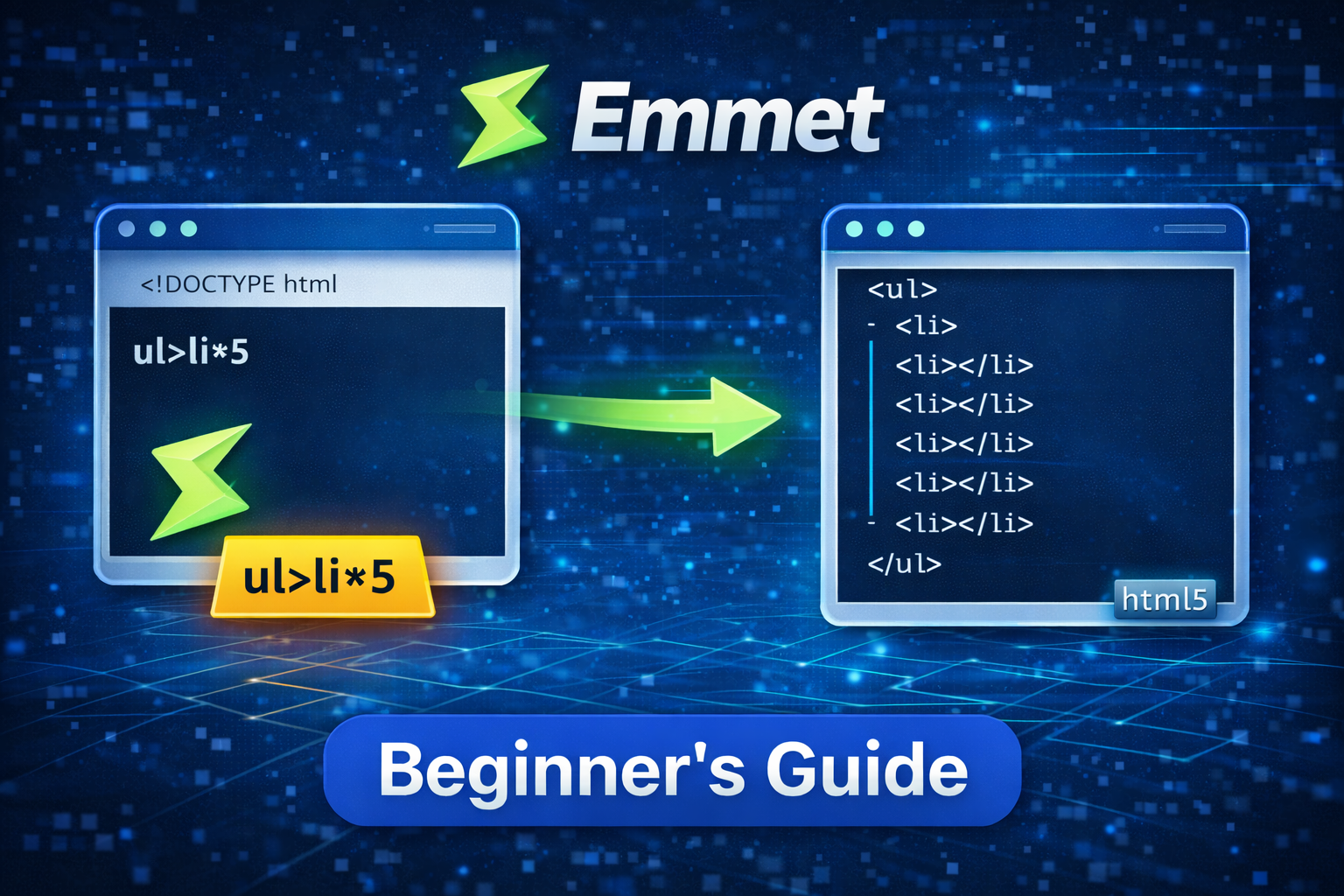
In this article we are going to explore the a powerful shortcut methods which help in increasing the development and avoid writing the whole code line.
Emmet Abbreviation
Emmet abbreviation refers to a shorthand syntax used to quickly generate full HTML, XML, CSS, or other structured code with minimal keystrokes. An abbreviation is a compact expression that Emmet parses and expands into complete code blocks. For example, ul>li*3 expands to an unordered list with three list items.
Key Symbols:
>creates child elements.+creates sibling elements.*repeats elements (e.g.,li*3creates three<li>tags).#adds an ID (e.g.,div#header)..adds a class (e.g.,div.container).{}adds text content (e.g.,p{Hello World}).\(inserts the current item number in repeated elements (e.g.,li{\)}*3→Item 1,Item 2,Item 3).
Emmet Inside the code editor
Emmet is a plugin for code editors that allows developers to write HTML and CSS code faster using shorthand syntax. It works by expanding abbreviations into full code structures when you press Tab.
Basic Workflow: Type a short abbreviation (e.g.,
div.container) → press Tab → expands to<div class="container"></div>.Key Symbols:
.→ adds a class (e.g.,p.text→<p class="text"></p>).#→ adds an ID (e.g.,h1#title→<h1 id="title"></h1>).>→ creates a child element (e.g.,div>p→<div><p></p></div>).+→ creates a sibling element (e.g.,div+p→<div></div><p></p>).*→ repeats elements (e.g.,li*3→ three<li></li>tags).
Syntax
| Symbol | Meaning |
|---|---|
div |
Create element |
. |
Class |
# |
ID |
> |
Child (inside) |
+ |
Sibling (next to) |
* |
Repeat |
{} |
Text |
! |
HTML boilerplate |
## Class

div.container
<div class="container"></div>

# ID
section#main
<section id="main"></section>

## Class + Id
div#app.container
<div id="app" class="container"></div>

## Attributes
input[type=text][placeholder=Name]
<input type="text" placeholder="Name">

## Abbreviation
div>p
<div>
  <p></p>
</div>

##Deeper nesting
div>ul>li
<div>
  <ul>
    <li></li>
  </ul>
</div>

## Repeating elements
li*3
<li></li>
<li></li>
<li></li>

## Nested + repeated

ul>li*3
<ul>
  <li></li>
  <li></li>
  <li></li>
</ul>

## Repeated with text
p*3{Item}
<p>Item</p>
<p>Item</p>
<p>Item</p>

## Abbreviation

!
<!DOCTYPE html>
<html lang="en">
<head>
  <meta charset="UTF-8">
  <meta name="viewport" content="width=device-width, initial-scale=1.0">
  <title>Document</title>
</head>
<body>

</body>
</html>
Summary
writing HTML and CSS in manual way result in the overload and boring like create same component with different style. Emmet help in increasing the productivity and saves huge amount of time. Instead of writing the whole tag just write the tag name and hit enter magic happened automatically


