

Array that you never understand in Javascript
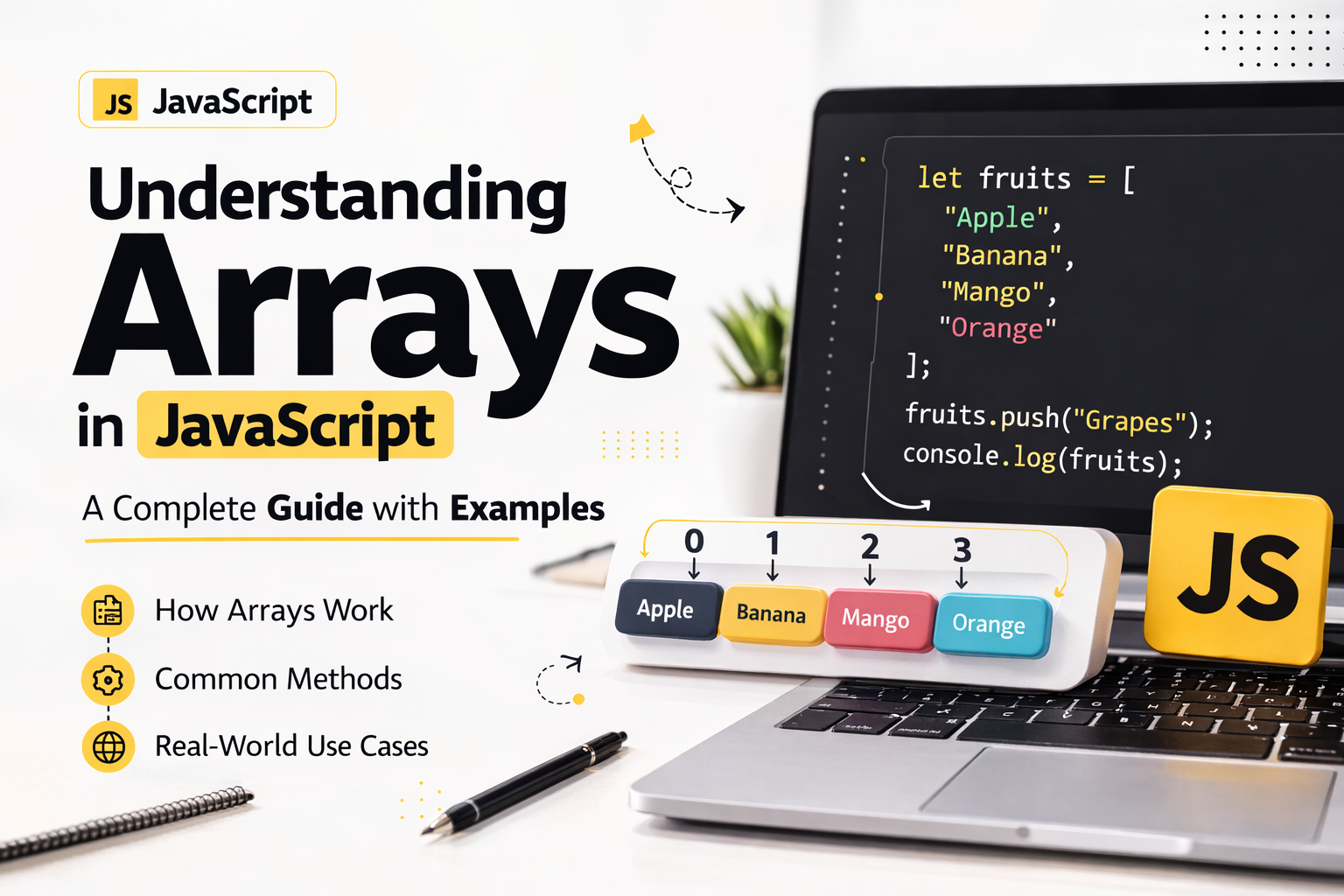
In this article, we are going to learn more about the arrays of javascript and what are the method involved in it.
Array
In javascript, Arrays is a collection of heterogeneous element store in a single variable. They follow zero based indexing and dynamic in nature which mean that can grow and shrink dynamically. Arrays can hold elements of any data type—numbers, strings, objects, or even other arrays—making them highly flexible.
Creation of Arrays
Arrays can be created in several ways:
Array literal (recommended):
const fruits = ["apple", "banana", "cherry"];Array constructor:
const numbers = new Array(1, 2, 3);Empty array:
const empty = [];orconst empty = new Array();
// Method 1
const array1 = [1,2,3,4,5,6]

// Method 2
const array2 = new Array()

// Method 3
const array3 = []

// for example of heterogeneous element
const hetero = [1, "javascript", {name: "john"}, true, null, undefined]
Methods of Arrays
Array have several which mutate or return new modified array from the existing like length, push, pop, shift, unshift etc..
length
this is not a method in javascript instead it is a property which is used to find out the size or total number of element in the array.
const numberOfElement = arrayVariable.length
Array.push()
push method is used to insert the data at the end of the list or arrayVariable.
// arrayVariable.push(elementName)

const array1 = [1,2,3,4]
array1.push(true)
console.log(array1)
Array.pop()
pop method is used to remove the last element of the array and return the removed element from the arrayVariable
const poppedElement = array1.pop()
Array.shift()
shift method is used to remove the element from the starting of the array and return the remove element from the array.
const shiftElement = array1.shifyt()
Array.unshift()
unshift method is used to add the element on the starting of the array.
array1.unshift(30)
All these method modify the existing array and mutate the original length of the array
Map
map is a method which help in iterating over the element and return new array which does not mutate the original array instead modify the new array
// Syntax arrayVariable.map(callback function)

const arr = [1,2,3,4,5,6]

const mutatedArray = arr.map(i => i*2)
console.log(mutatedArray)
Callback function is any kind of function which is used to perform operation on the array's element
Filter
Filter is a method which return an array which meet the required condition and similarly it does not mutate the original array
// Syntax arrayVariable.filter(callback function)


const result = arr.filter(i => i%2 === 0)

console.log(result)
Filter callback function is a predicate type
Reduce
Reduce is a function of array which return a single element of the array.
// syntax arrayVariable.reduce((accumulator, current) => {}, initialValue)

const result = arr.reduce((sum, curr) => sum + curr, 0)
console.log(result)
accumulator is a parameter of the callback function which is used to store the data, current is like a pointer which is pointing to the current element of the array & initialValue is an any kind of the data type
foreach
foreach is a method which is used to iterate over the array and it does not return anything as well as it does not modify the existing data in the original array.
// Syntax arrayVariable.foreach(callback function)

arr.foreach(i => console.log(`element in the array ${i}`))
foreach does not support break, continue, async keyword.
Reference
Array : - https://developer.mozilla.org/en-US/docs/Web/JavaScript/Reference/Global_Objects/Array


