

Map and Set in Javascript
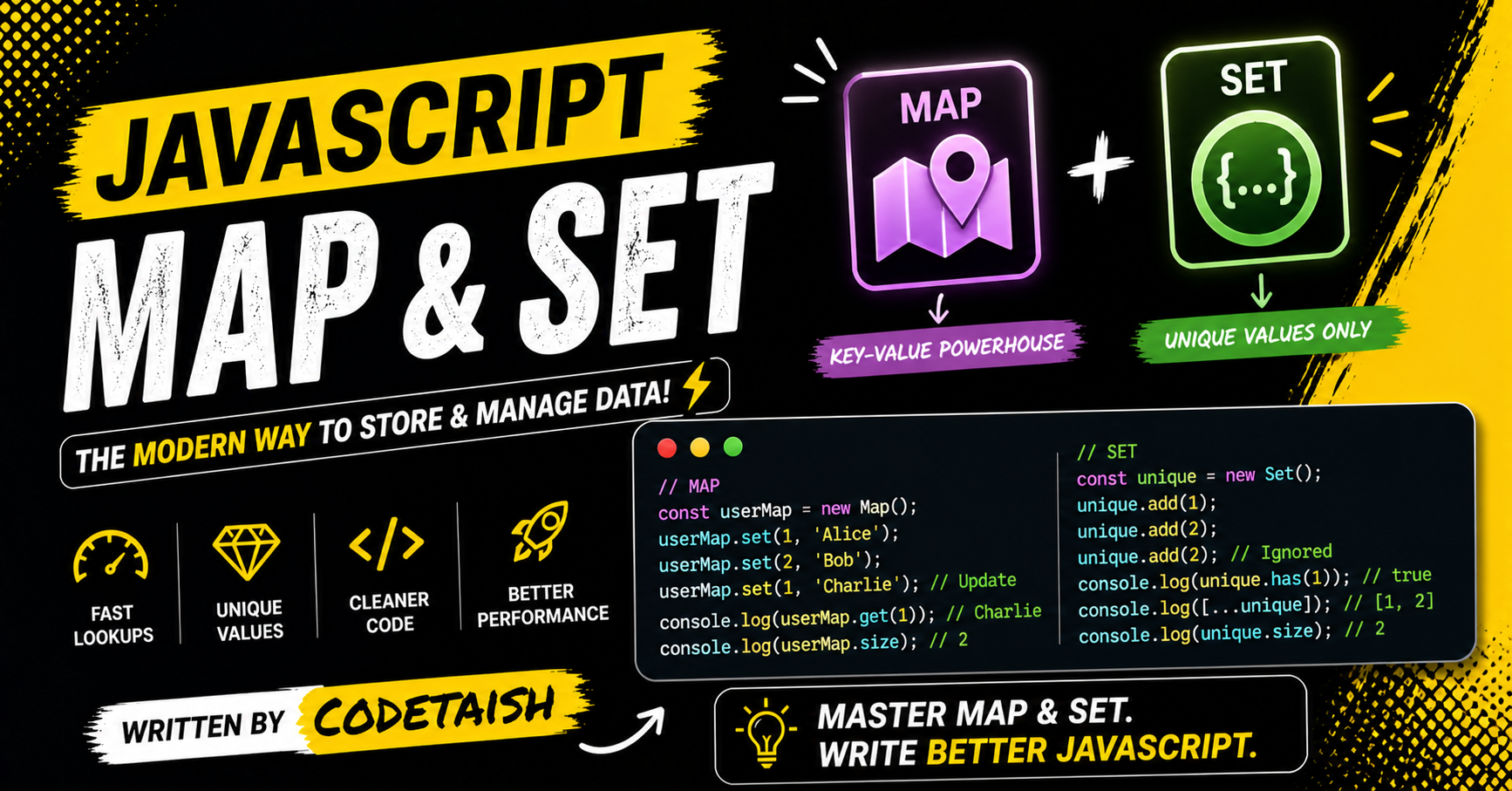
In this article, we'll explore JavaScript's Map and Set — two commonly used data structures for storing and manipulating data. A Map stores key–value pairs, while a Set holds only unique values. Both provide distinct features and behaviors that make them useful in different scenarios.
Map In javascript
A JavaScript Map is a collection of key-value pairs where keys can be any data type, including objects, functions, or primitives, unlike standard objects which only accept strings or symbols as keys. Maps preserve insertion order and are optimized for frequent additions and removals, making them ideal for dynamic data scenarios like caching or tracking relationships.
// creation of map in javascript
const myMap = new Map();
Key characteristics and operations include:
Flexible Keys: Keys can be objects, arrays, or functions, allowing complex data structures to be used as identifiers without string conversion.
Built-in Methods: Common operations use explicit methods like
set()(add),get()(retrieve),has()(check existence), anddelete()(remove).Size and Iteration: The
sizeproperty provides the number of entries directly, and Maps are iterable, supporting loops likefor...oforforEach.Order Preservation: Unlike objects, Maps guarantee the order of elements based on insertion, which is crucial for ordered lists or queues.
Safety: Maps do not inherit from a prototype, preventing accidental key collisions with built-in properties like
__proto__ortoString.
Feature | JavaScript Map | Standard Object |
Key Types | Any (objects, primitives, functions) | Strings or Symbols only |
Order | Preserves insertion order | Order is not guaranteed (historically) |
Size | Accessible via | Requires |
Performance | Better for frequent additions/deletions | Faster for direct property access |
Prototype | No prototype; no collision risk | Inherits from |
Serialization | No native JSON support | Native |
Some of the useful map function
Method | Description |
| Adds or updates a key-value pair |
| Retrieves the value for a given key |
| Removes the entry for a given key |
| Returns true if the key exists |
| Removes all entries from the map |
| Property indicating the number of entries |
| Executes a function for each entry |
| Returns an iterator of keys |
| Returns an iterator of values |
| Returns an iterator of key-value pairs |
myMap.set("a", 1);
myMap.set("b", 2);
myMap.set("c", 3);

const data = myMap.values();

console.log(mapIter.next().value); // 1
console.log(mapIter.next().value); // 2
console.log(mapIter.next().value); // 3
Set in javascript
A JavaScript Set is a built-in data structure introduced in ES6 that stores a collection of unique values of any type, whether primitive or object references. Unlike arrays, Sets automatically prevent duplicates, and while they maintain insertion order, they do not support indexing.
// creation and initialization of the set
const a = new Set([1, 2, 3]);
Key operations and characteristics include:
Creation: Initialize with
new Set()or pass an iterable like an array (new Set([1, 2, 3])) to remove duplicates automatically.Performance: Operations like adding, deleting, and checking existence run in O(1) time complexity, making them faster than arrays for large datasets.
Methods: Use
.add()to insert values,.has()to check existence,.delete()to remove specific values, and.clear()to empty the set.Iteration: Sets are iterable using
for...ofloops,.forEach(), or by converting to an array via the spread operator ([...mySet]).Size: Access the number of elements using the
.sizeproperty.
Core Methods and Properties
add(value): Adds a new element to the set and returns the set itself.delete(value): Removes a specific element from the set, returningtrueif it existed andfalseotherwise.has(value): Returnstrueif the set contains the specified element, offering O(1) lookup efficiency.size: A property that returns the number of elements in the set.clear(): Removes all elements from the set.values(): Returns an iterator for the values in the set (often used with spread syntax like[...set]).
const set = new Set();

// add
set.add(42);
set.add(42);
set.add(13);

// clear set
set.clear();

// delete
set.forEach((point) => {
  if (point.x > 10) {
    set.delete(point);
  }
});
Set vs Array
Key Differences
Feature | Array | Set |
Duplicates | Allowed | Not allowed |
Ordering | Preserves insertion order | Preserves insertion order |
Access | Indexed (e.g., | No direct indexing |
Lookup |
|
|
Methods |
|
|
Use Case | Ordered lists, repeated values | Unique values, fast membership tests |
When to Use Which
Use an Array when you need indexed access, duplicate values, or advanced manipulation methods like
map,filter, andsort.Use a Set when you need to enforce uniqueness, perform fast lookups, or execute set operations like union and intersection.
Conclusion
In summary, JavaScript’s Map and Set provide clear, complementary solutions for common data-handling needs: use Map when you need ordered key–value pairs with flexible (non-string) keys and frequent updates; use Set when you need a collection of unique values and fast membership checks. Both are iterable, expose a size property, and offer intuitive methods (set/get/has/delete for Map; add/has/delete for Set), making them simpler and safer than ad-hoc object/array patterns in many scenarios.
Practical takeaways:
Choose Map for caches, lookups where keys are objects or functions, or when insertion order matters.
Choose Set for deduplication, quick membership tests, or when maintaining a list of unique items.
Convert between these structures and plain objects/arrays when interoperating with APIs, but prefer Maps/Sets for clarity and correctness when their behaviors matter.
Using Map and Set appropriately leads to clearer, more predictable code and often better performance for dynamic collections.


