

Mastering Callbacks in JavaScript: Asynchronous Patterns Made Simple
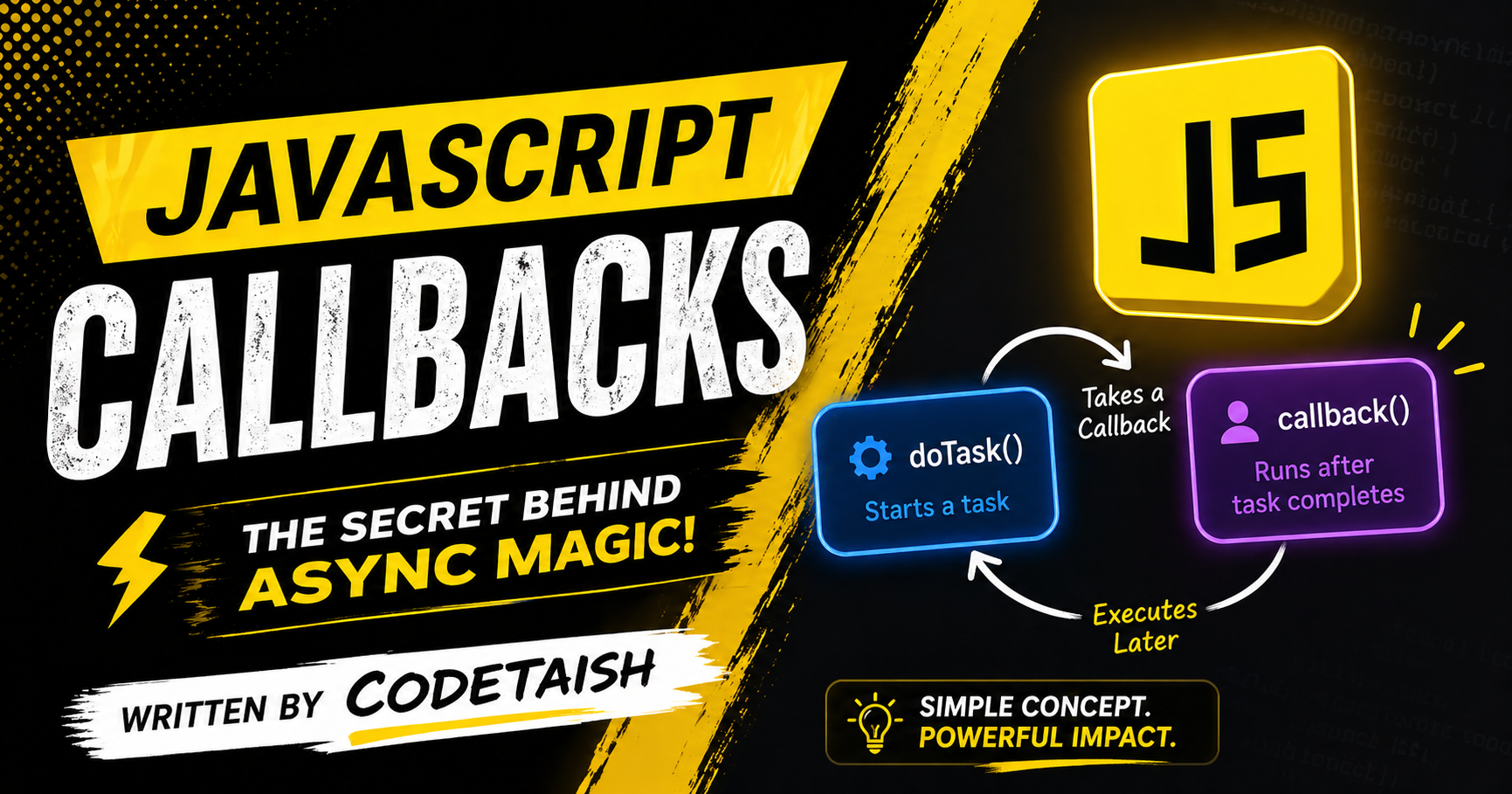
In this article we'll explore callbacks in JavaScript—what they are, why they matter, and how they enable asynchronous programming. A callback function is a function passed as an argument to another function and executed later by that outer function. This mechanism lets JavaScript continue running other tasks while waiting for time-consuming operations (for example, network requests or user events) to complete, preventing the single-threaded event loop from blocking.
Changes made
A callback function is a function passed as an argument to another function, which is then executed later by the outer function. This mechanism allows for asynchronous programming, enabling code to continue executing other tasks while waiting for an operation to complete, such as fetching data from a server or handling user events.
Callbacks are commonly used to:
Handle asynchronous operations like API requests or file I/O without blocking the main thread.
Manage event handling in graphical user interfaces, where a function is called in response to user actions like clicks or key presses.
Implement polymorphism and customize behavior in higher-order functions, such as defining sorting rules or validation logic.
In languages like JavaScript, callbacks are often implemented as anonymous functions or arrow functions passed directly into methods like setTimeout or event listeners, allowing for flexible and modular code execution.
function greet(name, callback) {
  console.log(`Hello, ${name}!`);
  // Invoke the callback
  callback();
}

function sayGoodbye() {
  console.log("Goodbye!");
}

// Pass sayGoodbye as an argument
greet("Alice", sayGoodbye);
// Output:
// Hello, Alice!
// Goodbye!
Callbacks are used in asynchronous programming to execute a function only after a time-consuming task completes, preventing the JavaScript event loop from blocking while waiting for operations like network requests or file I/O to finish. Since JavaScript is single-threaded, callbacks allow the main program to continue executing other code while the asynchronous operation runs in the background, invoking the callback function once the result is available.
Without callbacks, a long-running task would halt the entire application; for example, using setTimeout without a callback would simply delay execution but not provide a mechanism to handle the result when it arrives. By passing a function as an argument, developers ensure that dependent logic runs sequentially and safely after the asynchronous work is done.
// Example: Using a callback to handle data after a delay
function fetchData(userId, callback) {
  // Simulating an asynchronous API call
  setTimeout(() => {
    const data = { id: userId, name: "Alice" };
    // Invoke the callback with the result
    callback(data);
  }, 2000);
}

// Usage: Pass a function to handle the data when ready
fetchData(123, (result) => {
  console.log("Data received:", result.name);
});

console.log("Fetching started...");
// Output order: "Fetching started...", then after 2 seconds: "Data received: Alice"
In JavaScript, functions are first-class citizens, meaning they can be passed as arguments to other functions just like variables or data types. To pass a function without executing it immediately, you provide the function name (or reference) without parentheses.
Here is a standard example where a named function is passed as a parameter and executed inside the receiving function:
// 1. Define a function to be passed function greet(name) { return Hello, ${name}!; }
// 2. Define a function that accepts another function as an argument function processUserInput(callback) { const userInput = "World"; // Execute the passed function with the argument return callback(userInput); }
// 3. Pass the function reference (no parentheses) const result = processUserInput(greet); console.log(result); // Output: "Hello, World!"
Common Use Cases Callbacks for Asynchronous Operations: Functions like setTimeout or fetch require a callback function to handle results after a delay or network request. setTimeout(() => console.log("Delayed execution"), 1000);
Array Methods: Higher-order methods like .map(), .filter(), and .forEach() accept functions to define how each element should be processed. const nums = [1, 2, 3]; const doubled = nums.map(n => n * 2); // [2, 4, 6]
Anonymous Functions: It is common to define the function directly within the argument list for concise, one-time operations. processUserInput((name) => Hi, ${name}!);
Key Distinction Passing Reference: func passes the function itself for later execution. Passing Result: func() executes the function immediately and passes its return value (e.g., a string or number) to the argument.
Callback functions in JavaScript are primarily used to handle asynchronous operations and event-driven programming, ensuring code executes only after specific tasks complete or events occur.
Asynchronous Operations Callbacks are essential for tasks that do not execute immediately, such as AJAX requests, file I/O, and network access. Instead of blocking the single-threaded JavaScript engine, the main function initiates the task and passes a callback to handle the result once it arrives. Common implementations include:
setTimeoutandsetInterval: Delaying execution or scheduling repeated tasks.Data Fetching: Handling responses from servers after a delay.
Script Loading: Executing code only after a dynamic script tag has fully loaded.
Event Handling JavaScript is an event-driven language, and callbacks are the standard method for defining behavior in response to user interactions or system events.
DOM Events: Functions like
addEventListeneraccept callbacks for actions such as clicks, keypresses, and page loads.User Interaction: Ensuring specific logic runs only when a user interacts with UI elements, such as submitting a form or hovering over an element.
Synchronous Iteration Callbacks are also used in synchronous contexts, such as array methods (forEach, map), where the callback is invoked immediately for each element in the array during the same execution stack.
Callback nesting, often called Callback Hell or the Pyramid of Doom, occurs when multiple asynchronous operations depend on each other, forcing developers to place subsequent logic inside nested callbacks. This results in code that is difficult to read, maintain, and debug due to excessive indentation and complex error handling at each level.
A typical example involves sequential asynchronous tasks, such as fetching data and processing it:
getUser(userId, (user) => {
    getOrders(user, (orders) => {
        processOrders(orders, (processed) => {
            sendEmail(processed, (confirmation) => {
                console.log("Order Processed:", confirmation);
            });
        });
    });
});
In this structure, each step is indented further to the right, creating a "pyramid" shape. Promises and async/await are the standard solutions to flatten this code and improve readability.
Summary
This article explains what a callback function is — a function passed as an argument to another function and executed later by that outer function — and why callbacks matter in JavaScript. It shows how callbacks enable asynchronous programming, letting the single-threaded event loop continue running while time-consuming operations (e.g., network requests or user events) complete. The piece outlines common uses of callbacks: handling asynchronous operations (API requests, file I/O), managing event handling in UIs, and customizing behavior in higher-order functions (sorting rules, validation). It also notes that in JavaScript callbacks are often provided as anonymous or arrow functions and used with APIs like setTimeout and event listeners.


