

Modularity in Javascript Code
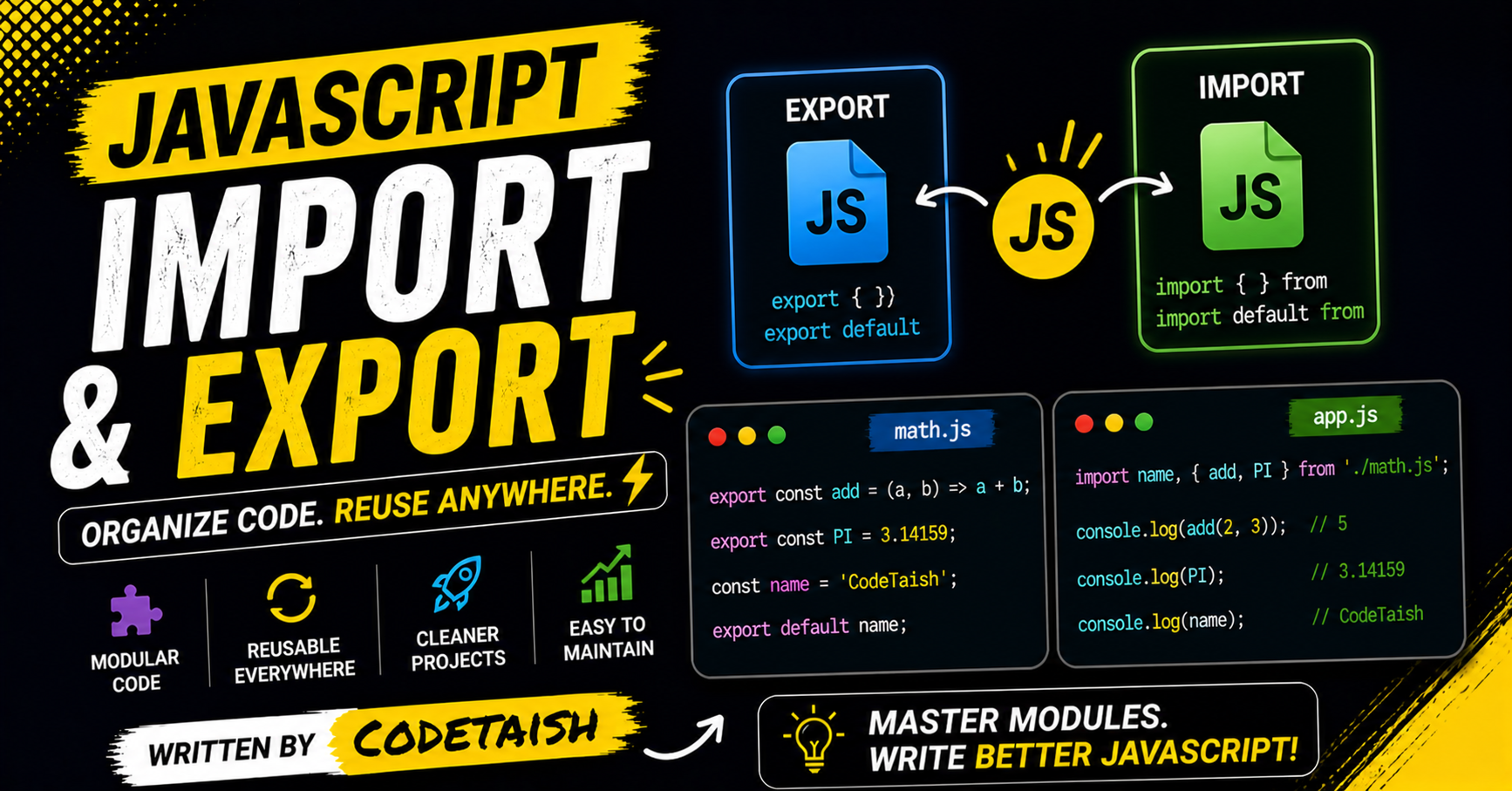
In this article, we are going to cover and unfold the best practice of write good code and how modularity plays crucial role in the organization and maintenance of big code bases.
Modular code
In Modular code, single file containing code designed to perform a specific task, allowing developers to organize large applications by breaking them into smaller, reusable, and self-contained units. Modules enable code to be shared between files using the export keyword to make variables, functions, or classes accessible, and the import keyword to use them in other files.
We have crypto, react, express etc.. file which only contain the required and well design code used to perform mathematical operation in the Javascript development and when ever it required.
Key characteristics of JavaScript modules include:
Isolation: Each module has its own top-level scope, meaning variables defined inside are private unless explicitly exported.
Execution: Module code is evaluated only once, even if the same module is imported multiple times by different files.
Strict Mode: Modules always run in strict mode, preventing accidental creation of global variables.
Enabling: In browsers, scripts must be marked with
<script type="module">, while in Node.js, thetype: "module"option inpackage.jsonor the.mjsfile extension enables the ES module system.
Import and Export
Import
Import mean we are bringing others code into our project scope. suppose we are developing an express app. before writing an piece of code of controller we first import the express code into the project
import express from 'express' // Moduler js or ES6

// with the help of this line we are able to write the express app other our project does not even know express is exist or not

const express = reqiure('express') // commonJS or old method
Both of the code help in importing express into the project. similarly we can import any code file into the project.
Export
Exporting mean we are export function and properties which can be future used by other programmer and other project and it can be used in the same project as well
export default version = "0.1.0"
export const = "this is very heavy task that need to perform"
export function addTwo = (num1 + num2) => num1 + num2

// this is how we export the function and property in the ES6

exports.addTwo = function addTwo(){}
exports.version = data of any type

module.exports = {addTwo, version}
ES6
In es6, we have two type of export
Named Export
default export
Name Export
In es6, we can do as many as you want to do name export.
export function addTwo(){} //exporting syntax

import {addTwo} from 'path of the file' // here we use {} along with the same named as we export the function or property
Default Export
in es6, we can do only one default export and default export is done to main function, class, object.
export default class App(){
    // huge amount of code
}

import MyApp from 'PATH TO THE FILE'
during the import, we can import it with any name as we want .
In CommonJS (CJS), modules are loaded synchronously using require() for imports and module.exports or exports for exports.
Importing in CJS
To import a module, use the require() function, which returns the module.exports object of the target file.
Default/Single Export: Assign the result to a variable.
const add = require('./math'); // Imports module.exports directlyNamed Exports: Destructure the required object to access specific properties.
const { add, subtract } = require('./math'); // Imports named propertiesAll Exports: Import the entire namespace object.
const math = require('./math'); // math.add, math.subtract
Exporting in CJS
CJS supports two primary export styles, though it lacks a native "default" keyword like ESM.
Default Export: Assign the value directly to
module.exports. This is the most common pattern for a single core feature.// math.js module.exports = function add(a, b) { return a + b; };Named Exports: Assign properties to the
exportsobject ormodule.exportsobject to export multiple values.// math.js exports.add = function(a, b) { return a + b; }; exports.subtract = function(a, b) { return a - b; };Mixing: You can mix both styles by assigning a default value to
module.exportsand adding named properties toexports, though this can lead to complexity in interop scenarios.
Key Differences from ESM
Feature | CommonJS (CJS) | ES Modules (ESM) |
Syntax |
|
|
Loading | Synchronous (blocks execution) | Asynchronous (non-blocking) |
Default Export |
|
|
Named Exports |
|
|
Live Binding | No (snapshot of values) | Yes (live bindings to variables) |
Conclusion
Modularity is a practical foundation for writing clean, maintainable JavaScript. By encapsulating functionality into focused modules that expose only what’s necessary via export and import, you reduce complexity, limit unintended side effects, and make large codebases easier to understand, test, and evolve. Modules’ isolated scope, single-time evaluation, and automatic strict mode further help prevent common bugs and accidental globals.
Keep these best practices in mind:
Give each module a single responsibility and keep it small and focused.
Export a clear public API (prefer named exports for discoverability; use default exports judiciously).
Avoid side effects at module top level; make modules easier to test and reuse.
Organize files and use index barrels or grouped folders for discoverability, but avoid over-aggregation that hides implementation.
Use ES modules in the browser (
<script type="module">) or configure Node ("type": "module"or.mjs) and consider tooling (bundlers, tree-shaking) to optimize delivery.Document and write tests for module contracts so refactors remain safe.
Adopting modular design consistently leads to more readable code, faster onboarding, and more reliable applications—especially as projects grow.


