

Object Orientation Programming language Javascript
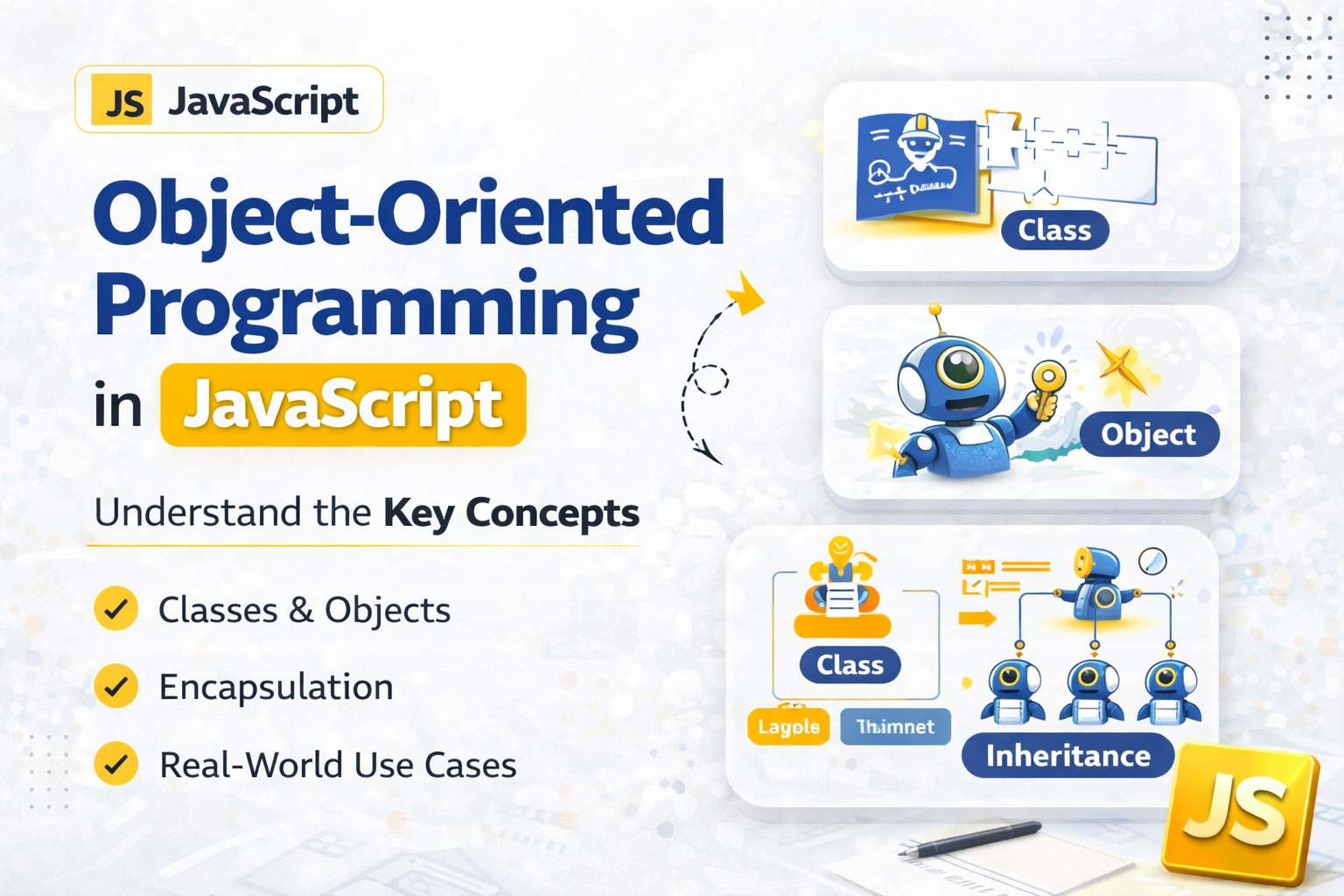
In this article we are going to cover up and deep dive into the world of object orientation programming language. which give you a new perspective of seeing the entire world in terms of programming like car, pen, human.
Object Orientation Programming
Object orientation programming languages are used to represent real life entity in to the world of programming language. Object like which have some property, perform some task, interact with other object and share data with other, etc... are the behaviour of the object orientation programming language. The main aim of OOP is to bind together the data and the functions that operate on them so that no other part of the code can access this data except that function.
Class
Imagine class is like the blueprint of the building. In which every thing is listed like no of rooms, kitchen's size, no of bathroom, no of hall etc... Similarly, In programming language you define the class as blueprint. In javascript, you can create classes with the help of class keyword.
class nameOfClass {
    property,
    functionality
}

// this is how you define a class in javascript
class Human{
    constructor(name, age){
    this.name = nam;
    this.age = age;
    }

    canSpeak(){
        console.log(`this is ${this.name} speaks hello world`)
    }
}
// this is how we define functionality and properties of the class
If you observer i use a keyword constructor which help us to define the property of the class. the advantage of this constructor function is help in Initialization and create of new Object. with property
Object
Object is the representation of the class. In my previous house example the map of the house is the class but in reality the complete real and visual representation of the map is the house. Similarly, in programming the actual entity which use and inherit property and function from the class is Object.
we create object of the class with the help of new keyword which help in the creation of the object. this new keyword allocate the space in the memory.
Just an interesting knowledge check the type of the object
const rahul = new Human('rahul', 28)
console.log(rahul)

// this is how you create an object with the help of new keyword in javascript

console.log(typeof rahul)
Constructor
A constructor in JavaScript is a special function used to create and initialize objects. It is typically invoked with the new keyword, which creates a new empty object, sets this to refer to that object, executes the constructor body to initialize properties and methods, and returns the new object.
There are two main ways to define constructors:
- Constructor Functions (Pre-ES6)
A regular function designed to be called with new. By convention, it's named with a capital letter.
function Person(name, age) {
  this.name = name;
  this.age = age;
}
const person1 = new Person("Alice", 30);
- Class Constructor Method (ES6+)
A special method within a class that runs when a new instance is created.
class Person {
  constructor(name, age) {
    this.name = name;
    this.age = age;
  }
}
const person2 = new Person("Bob", 25);
Purpose: Set initial values, define properties, and perform setup tasks.
Default Constructor: If no constructor is defined, JavaScript provides a default one (empty for base classes).
Inheritance: In derived classes, use
super()to call the parent constructor.Return Value: If a constructor returns an object, that object is returned; otherwise,
thisis returned.
Constructors enable reusable object creation, making it efficient to generate multiple similar objects with consistent structure and behavior.
Encapsulation
Encapsulation in JavaScript is a core principle of object-oriented programming that involves bundling data (properties) and methods (functions) into a single unit—typically a class or object—while restricting direct access to internal data. This protects the object’s internal state and ensures data integrity by allowing interaction only through public methods.
How Encapsulation Works
Private Data: Modern JavaScript uses the
#symbol to define private class fields (e.g.,#name,#age), which are inaccessible from outside the class.Public Methods: Access to private data is provided via public methods (getters and setters), which can include validation logic.
Closures: Before private fields, developers used closures to create private variables (e.g.,
let privateVar = ...inside a function), accessible only through returned methods.
Example with Private Fields
class Person {
  #name;
  #age;

  constructor(name, age) {
    this.#name = name;
    this.#age = age;
  }

  getName() {
    return this.#name;
  }

  getAge() {
    return this.#age;
  }

  setAge(newAge) {
    if (newAge < 0) throw new Error("Age cannot be negative");
    this.#age = newAge;
  }
}

const person = new Person("Alice", 30);
console.log(person.getName()); // "Alice"
console.log(person.#name);     // Error: Cannot access private field
person.setAge(31);             // Valid
Key Benefits
Data Protection: Prevents accidental or malicious modification of internal state.
Maintainability: Internal implementation can be refactored without breaking external code.
Security: Sensitive data (e.g., passwords, balances) can be hidden and validated.
Modularity: Encourages reusable, self-contained components (e.g., modules, classes).
Best Practices
Use
#for private fields in ES2022+ classes.Avoid relying solely on underscore prefixes (
_var)—they are convention, not enforcement.Use closures or modules for older environments or fine-grained control.
Encapsulation enhances code robustness, security, and scalability—making it essential for building maintainable JavaScript applications.


