

Out of the box programming in Javascript
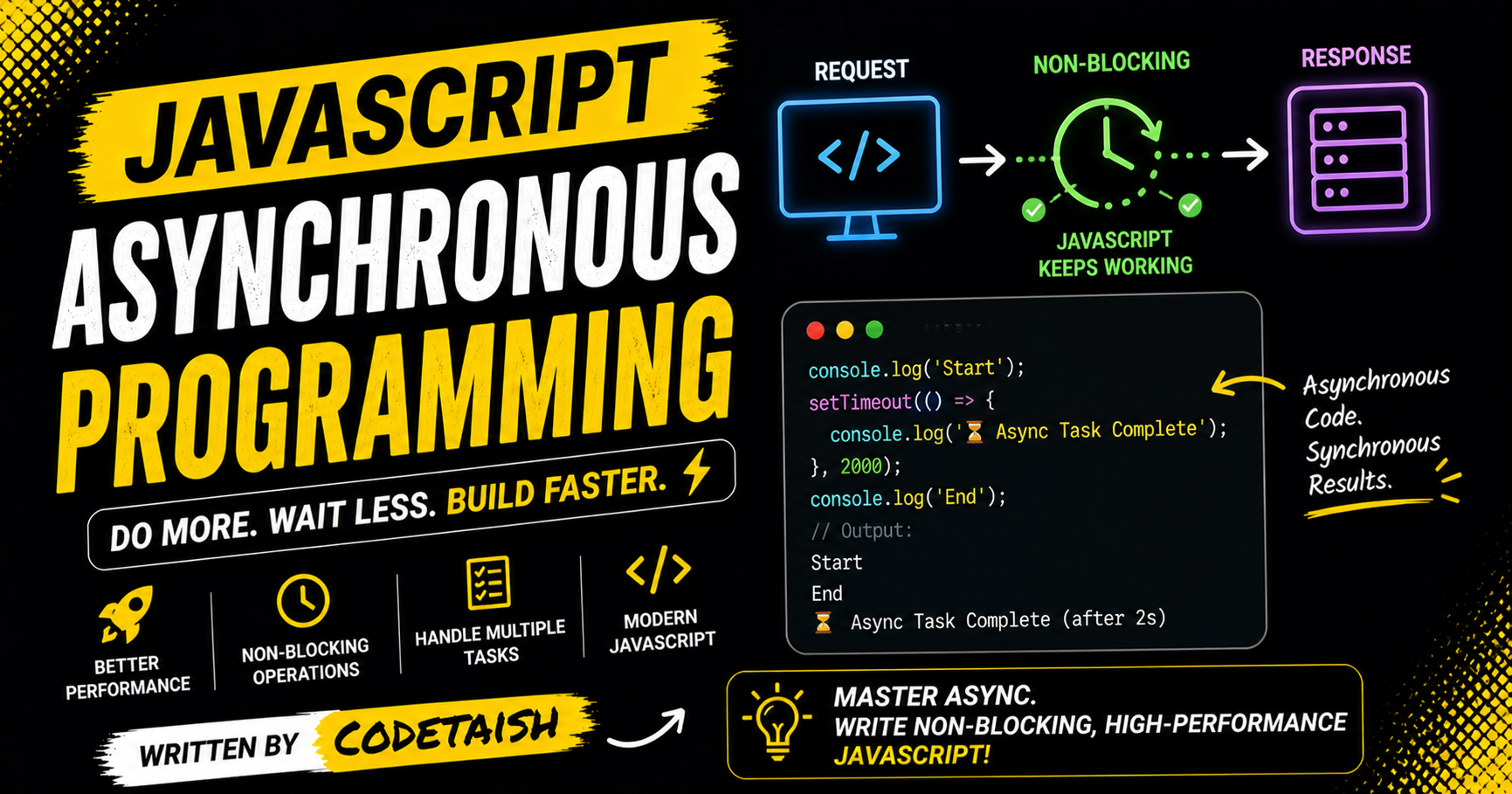
In this article, we are going to explore the different behaviour of the javascript when there is no limit of the time and how the modern web application feels more realistic and user friendly and responsive.
Asynchronous programming
In one of my article i discuss and make the difference between synchronous and asynchronous programming language. This article take you to journey on the asynchronous programming language.
async/await is a modern JavaScript syntax built on top of Promises that allows developers to write asynchronous code in a cleaner, synchronous-like style, making it easier to read, understand, and maintain. The async keyword declares a function that always returns a Promise, automatically wrapping non-promise values in a resolved Promise, while the await keyword pauses the function's execution until the awaited Promise is settled (resolved or rejected).
async function fetchData(){
    // ===== fetching data ======
}
this is how you define a function with the help of the async keyword. where as await keyword is used where you are not sure the how much time does it take to execute
async function fetchData(){
    const result = await database.call();
}

// In this example, you have no idea when did you get the data in result.
it is compulsory that you need to add async whenever you are using await keyword
Key characteristics include:
Function Behavior: An
asyncfunction runs synchronously until it hits anawaitexpression, at which point execution pauses without blocking the main thread, allowing the JavaScript engine to perform other tasks.Error Handling: Unlike standard Promises that require
.catch()chains, async/await enables the use of standard try/catch blocks to handle errors within the same logical flow.Usage Constraints: The
awaitkeyword is only valid insideasyncfunctions (or top-level modules); using it elsewhere results in aSyntaxError.
Error handling
In async/await programming, you always need to try-catch block because there are high chances the failure of the code while writing the async/await programming and try catch will eventually become handy as well as help in debugging your code whenever error is arise
To handle errors in async/await JavaScript, wrap the await expressions in a try...catch block. If the awaited promise rejects or throws an error, execution immediately jumps to the catch block, preventing the error from becoming an unhandled promise rejection.
Basic Syntax
async function fetchData() {
  try {
    const response = await fetch('https://api.example.com/data');
    if (!response.ok) throw new Error(`HTTP error! Status: ${response.status}`);
    return await response.json();
  } catch (error) {
    console.error('Fetch error:', error.message);
    // Handle the error or re-throw
    throw error;
  }
}
Key Behavior and Edge Cases
Synchronous-like Flow: Errors thrown inside the async function or rejected promises behave like synchronous exceptions, allowing standard
try...catchlogic.Scope: The
try...catchblock only catches errors that occur within its own scope; errors from external callbacks (likesetTimeout) are not caught unless the promise is explicitly rejected.Global Fallback: If an error is not caught locally, the promise generated by the async function becomes rejected, requiring a
.catch()handler on the function call or a globalwindow.onunhandledrejectionlistener.Multiple Await Statements: A single
try...catchblock can wrap multipleawaitlines; if any line fails, control jumps to thecatchblock immediately.
Scenario | Mechanism | Result |
Error in async function |
| Catches the error. |
Error in callback |
| Not caught by |
Unhandled Rejection | No | Triggers |
Re-throwing |
| Propagates the error to the next caller. |
Alternative: Chaining .catch() Instead of using try...catch inside the function, you can attach a .catch() directly to the async function call, though this is less convenient for handling errors within the function's logic.
async function myFunc() {
  const data = await fetchData();
  return data;
}

// Handling error outside the function
myFunc()
  .then(data => console.log(data))
  .catch(err => console.error(err));
Conclusion
Asynchronous programming is what makes modern JavaScript applications feel responsive and user-friendly. By allowing long-running tasks to execute without blocking the main thread, apps can remain interactive while fetching data, performing I/O, or handling timers.
The async/await syntax builds on Promises to provide a clearer, more synchronous-looking way to write asynchronous code. An async function always returns a Promise, and await pauses execution of that function until the awaited Promise settles—without freezing the UI. Paired with standard Promise patterns (like Promise.all) and proper error handling (try/catch or .catch()), async/await helps you write code that is easier to read, reason about, and maintain.
Start by refactoring callback-heavy code into Promises, then adopt async/await for clearer flow. Pay attention to error handling and consider patterns for concurrency and cancellation as your needs grow. With these tools and practices, you can build more robust, performant, and developer-friendly web applications.


