

String Template in javascript
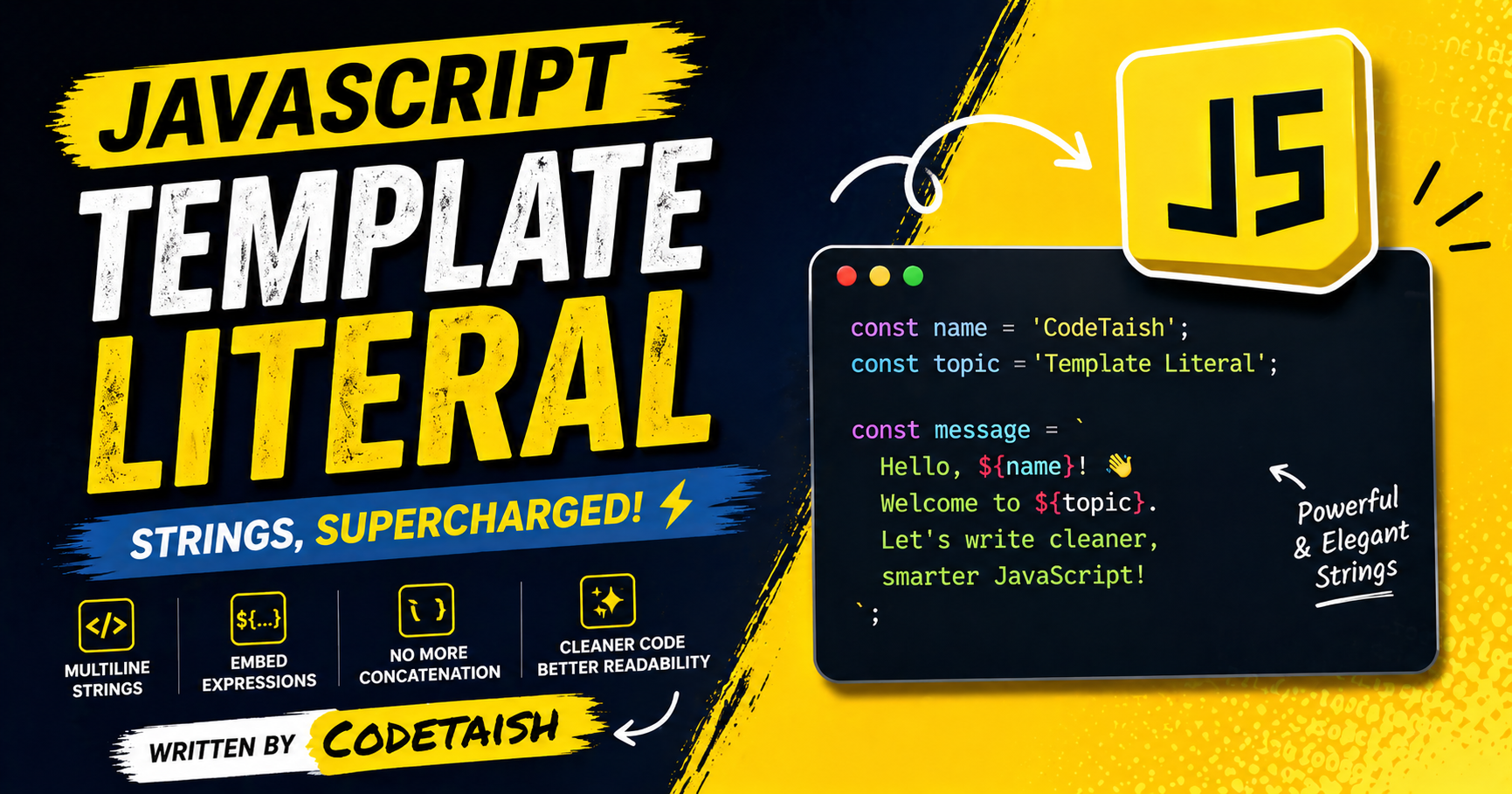
In this article, we'll explore template literals — a modern, concise way to write string data in JavaScript that makes defining and composing textual information clearer, more readable, and easier to maintain.
Traditional string concatenation in JavaScript, primarily using the + operator, presents several significant issues:
Readability and Maintainability: Chaining
+operators creates cluttered, hard-to-read code, especially when combining multiple variables or complex strings. This increases the risk of syntax errors, such as forgetting a+or misplacing quotes, which can break the application.Performance Overhead: JavaScript strings are immutable, meaning every
+operation creates a new string object in memory. In loops or with large datasets, this generates excessive garbage collection overhead and slows down execution significantly compared to methods likeArray.join().Type Coercion Ambiguity: The
+operator serves dual purposes for both addition and concatenation. If operands are not explicitly strings, JavaScript automatically coerces types, which can lead to unexpected results. For example,2 + "2"results in"22"rather than4, and accidental unary+operators can inadvertently convert strings to numbers (e.g., producingNaN).Multi-line Handling: Creating multi-line strings with
+requires manual insertion of escape characters like\n, which reduces readability and increases the likelihood of formatting errors.
Modern JavaScript (ES6+) addresses these problems with template literals (using backticks ` and ${}), which allow for cleaner inline variable insertion, automatic multi-line support, and expression evaluation without the pitfalls of traditional concatenation.
Template literals in JavaScript are string literals enclosed in backtick characters (`) rather than single or double quotes. Introduced in ES6, they support string interpolation, multi-line strings, and tagged templates.
The basic syntax involves wrapping text in backticks and embedding expressions using the ${expression} placeholder:
const name = "Alice"; const age = 30; const message = Hello, \({name}! You are \){age} years old.;
Key features include:
String Interpolation: Any valid JavaScript expression (variables, arithmetic, function calls) can be inserted inside \({}. Multi-line Strings: Line breaks in the source code are preserved in the resulting string without needing escape characters like \n. No Escaping Needed: Single and double quotes can be used freely inside the template without escaping. Tagged Templates: A function can be placed before the template literal to process the strings and expressions differently. Nesting: Templates can be nested inside \){} placeholders for complex dynamic content. To escape a backtick, use a backslash (`). To prevent interpolation of a dollar sign and curly braces, escape the dollar sign (${}).
The modern and preferred method for embedding variables in JavaScript strings is using template literals, which utilize backticks () and the ${expression}` syntax. This approach, introduced in ES6, allows for direct interpolation of variables and expressions within the string, significantly improving code readability compared to traditional concatenation.
Template Literals Syntax
let name = "Alice"; let age = 30; let message = Hello, my name is \({name} and I am \){age} years old.; console.log(message); // Output: Hello, my name is Alice and I am 30 years old.
Key Features
Expression Evaluation: You can embed complex expressions, such as arithmetic or function calls, directly inside the \({} block (e.g., Sum: \){a + b}). Multi-line Support: Template literals preserve line breaks, allowing strings to span multiple lines without special escape characters. Conditional Logic: Ternary operators can be used within the interpolation block for dynamic content (e.g., ${count > 1 ? 'items' : 'item'}). Traditional Concatenation (Legacy Method) Before template literals, developers used the plus operator (+) to join strings and variables. While still valid, this method becomes cumbersome and less readable with many variables.
The most efficient and modern way to create multiline strings in JavaScript is by using template literals (introduced in ES6), which utilize backticks (`) to allow line breaks directly in the source code and support string interpolation.
Template Literals: Wrap the string in backticks; any newline entered in the code is preserved in the output. You can also embed variables using
${expression}syntax.const message = `Hello, World! Name: ${name}`;String Concatenation: Use the
+operator to join multiple strings, inserting\nfor newlines or<br>for HTML rendering.const message = "Line 1\n" + "Line 2\n" + "Line 3";Newline Escaping: Place a backslash (
\) at the end of a line within single or double quotes to continue the string on the next line without including a newline character in the final string.const message = "Line 1 \ Line 2"; // Outputs: "Line 1 Line 2"Array Joining: Create an array of strings and use the
.join('\n')method to merge them into a single multiline string.const lines = ["Line 1", "Line 2", "Line 3"]; const message = lines.join("\n");
Template literals in modern JavaScript are primarily used for string interpolation, multi-line text handling, and tagged templates. Introduced in ES6, they replace backticks for quotes and use ${} syntax to embed variables or complex expressions directly within strings, offering cleaner and more readable code compared to traditional concatenation.
Common Use Cases
String Interpolation and Expressions: Embedding variables, mathematical calculations, or conditional logic (like ternary operators) directly into strings. For example,
The sum of \({a} and \){b} is ${a + b}.Dynamic HTML Generation: Constructing HTML markup dynamically by embedding data properties, which simplifies creating content for DOM manipulation or email templates.
Multi-line Strings: Preserving line breaks and formatting without needing escape characters like
\n, which is useful for templates, CSS, or poetry.Localization and Internationalization: Managing translations by embedding language keys or dynamic content into base strings, making it easier to handle localized greetings or messages.
Dynamic SQL Queries: Building database queries by embedding runtime values directly into string literals, though care must be taken to prevent injection vulnerabilities.
Tagged Templates: Using functions to parse template literals for advanced string manipulation, such as custom currency formatting, HTML escaping, or creating custom templating engines.
TypeScript Type Definitions: In TypeScript, template literal types allow for creating new string types based on existing types, enabling precise type inference for event names or API paths.
Performance Performance differences are negligible for most applications, with modern JavaScript engines optimizing both methods heavily. Benchmarks show that while results vary by browser and specific use case (e.g., Firefox may favor backticks, Chrome may favor +), the time difference is often a fraction of a millisecond, making speed a poor reason to choose one over the other.
Key Differences and Pitfalls
Whitespace Handling: Template literals preserve all whitespace and newlines exactly as written, which can lead to unexpected leading spaces if code is indented. Concatenation allows for more predictable control over spacing.
Type Coercion: Concatenation can cause logic errors if math expressions are inadvertently treated as strings (e.g.,
'5+5='+5+5results in"5+5=55"). Template literals implicitly guard against this by evaluating expressions before interpolation.Compatibility: The
+operator is supported in all JavaScript versions, while template literals require ES6+ environments or transpilation for older browsers.
Comparison Summary
Feature | String Concatenation ( | Template Literals ( |
Syntax | Explicit | Embedded |
Multi-line | Requires | Native support; preserves formatting and newlines. |
Quotes | Requires escaping for mixed single/double quotes. | No escaping needed for internal quotes. |
Performance | Highly optimized; speed varies slightly by browser. | Highly optimized; speed varies slightly by browser. |
Whitespace | Predictable; spaces only where explicitly added. | Strict; includes all leading/trailing whitespace. |
Math Errors | Prone to string coercion errors if not careful. | Safer; expressions are evaluated before insertion. |
Summary
This article introduces JavaScript template literals as a modern, concise alternative to traditional string concatenation. It explains the main problems with using the + operator—poor readability and maintainability, performance overhead from immutable strings, ambiguous type coercion, and awkward multi-line handling—and shows how template literals address these issues by making string composition clearer and easier to maintain. The article highlights key benefits of template literals, including:
Backtick-delimited strings for clearer syntax
Interpolation with
${...}for embedding expressions and variablesNative multi-line string support without
\nescapesTagged templates for custom processing and safer templating
Overall, template literals improve code clarity and reduce common errors associated with concatenation, while offering advanced features (like tagged templates) for more powerful and safer string handling.


