

try catch final
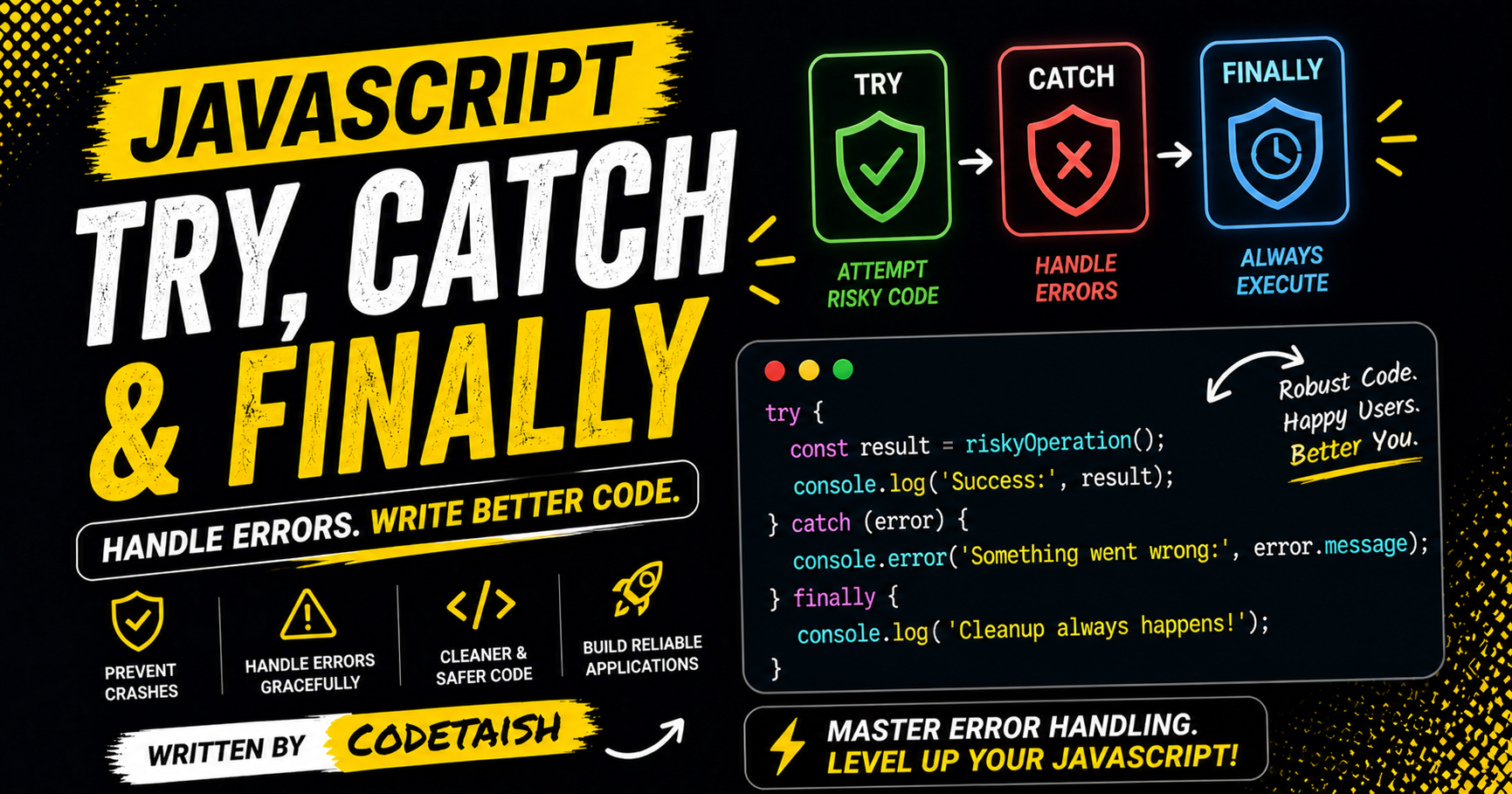
In this article we'll explore error handling in JavaScript—why it's needed and when to use try/catch/finally blocks to make your code more robust and prevent application crashes.
Before we begin, consider what happens when an unhandled error causes your app to crash: users lose functionality and data can be corrupted. To avoid that, anticipate and handle likely errors so your website or app remains resilient.
Every programming language like java, javascript, rust, ruby etc... provide error handling mechanisum.
The try...catch...finally construct is JavaScript's primary mechanism for error handling, consisting of a mandatory try block, an optional catch block, and an optional finally block. The try block contains code that might throw an exception, the catch block executes only if an error occurs to handle it, and the finally block always executes regardless of whether an error was thrown or caught, typically used for cleanup operations.
Try block
Try block is the block where you write all the business logic in javascript. You can understand it as a simple code which which help in preventing error.
export const somefunction() {
    try {
        // ===== business logic =====
        await fetch('some data');
        // ===== business logic =====
    }
}
Key features include:
Execution Flow: Code in the
tryblock runs first; if an exception occurs, control shifts immediately to thecatchblock.Custom Errors: You can manually trigger errors using the throw statement to create custom error messages or objects.
Error Objects: The caught exception object provides properties like name (error type) and message (description).
Promise.try(): Since January 2025, Promise.try() is available in modern browsers to wrap synchronous or asynchronous callbacks in a Promise, simplifying error handling for both sync and async code.
Nesting: You can nest
tryblocks, allowing inner errors to be caught by outercatchblocks if the inner block lacks a handler.
catch block
catch block is used to handle all the error generate by the try block whenever the try block generate the error. Catch block catch the error and throw the error.
export const somefunction() {
    try {
        // ===== business logic =====
    }catch(error){
        console.error(error)
    }
}
Synchronous Error Handling with try...catch
The try...catch construct is the standard mechanism for handling runtime errors in synchronous JavaScript code. It consists of a try block containing code that might throw an exception, followed by a catch block that executes only if an error occurs. The catch block can accept an optional parameter to hold the thrown exception, allowing developers to inspect error properties like name and message or log the stack trace.
try {
  nonExistentFunction();
} catch (error) {
  console.error(error);
  // Output: ReferenceError: nonExistentFunction is not defined
}
Asynchronous Error Handling with .catch()
For asynchronous operations involving Promises, the .catch() method is used to schedule a function to be called when the promise is rejected. This method returns a new Promise, allowing it to be chained with other promise methods like .then(). It acts as a shortcut for then(undefined, onRejected), where the onRejected function receives the rejection reason.
const promise = new Promise((resolve, reject) => {
  throw new Error("Uh-oh!");
});

promise.catch((error) => {
  console.error(error);
});
Key Error Handling Practices
Error Objects: The exception passed to
catchis typically anErrorobject containing properties likename,message, andstack.Re-throwing: It is a common practice to catch only expected errors, log them, and re-throw unexpected errors to be handled by a parent
try...catchblock.Custom Errors: Developers can create custom error classes by extending the built-in
Errorclass to provide more specific error types.Async/Await: When using
asyncfunctions,try...catchblocks are used aroundawaitexpressions to handle promise rejections synchronously within the function flow.
Finally
In JavaScript, finally serves two primary purposes depending on the context: synchronous error handling with try...catch blocks and asynchronous cleanup with Promises.
- Synchronous try...catch...finally
The finally block is a code section that executes regardless of whether an error occurs in the try block or is caught by the catch block. It ensures that critical cleanup tasks, such as closing files or resetting UI states, run even if the program flow exits early via a return or throw statement.
try {
// Code that might throw an error
}
catch (error) {
// Handle the error
} finally {
// This code ALWAYS runs, whether an error occurred or not
}
Usage: It is used to guarantee that necessary final actions are taken, preventing resource leaks or leaving the system in an inconsistent state. 2. Asynchronous Promise.prototype.finally() Introduced in ES2018 (October 2018), the finally() method schedules a function to run when a Promise is settled (either fulfilled or rejected). It allows developers to perform cleanup or logging without duplicating code in both .then() and .catch() handlers.
Behavior: The callback receives no arguments, so it cannot distinguish between a resolution and a rejection. It is transparent to the promise chain; the final resolved/rejected value of the original promise is passed through unchanged unless the finally callback itself throws an error or returns a rejected promise.
const result = somePromise().then(result => console.log(result)) .catch(error => console.error(error)) .finally(() => {
// Cleanup code runs regardless of success or failure console.log("Operation completed");
});
Key Difference: Unlike then(onFinally, onFinally), finally() accepts the callback once and ensures the original promise's state is preserved in the chain.
Conclusion
Error handling is essential to building resilient JavaScript applications. The try...catch...finally construct gives you a clear, synchronous mechanism to detect and respond to runtime exceptions: place risky code in try, handle recoverable errors in catch, and run cleanup in finally. Remember that try/catch only handles synchronous exceptions (use async/await with try/catch or promise .catch() for asynchronous flows). Follow these best practices: keep try blocks small, avoid using exceptions for normal control flow, catch and handle only the errors you can meaningfully recover from, preserve and log error details (including stack traces), and rethrow when appropriate.
Used thoughtfully, try...catch...finally helps prevent crashes, preserves user data, and makes your code easier to debug and maintain. Practice applying these patterns in real code to find the right balance between robustness and clarity.


