

Array as javascript starter
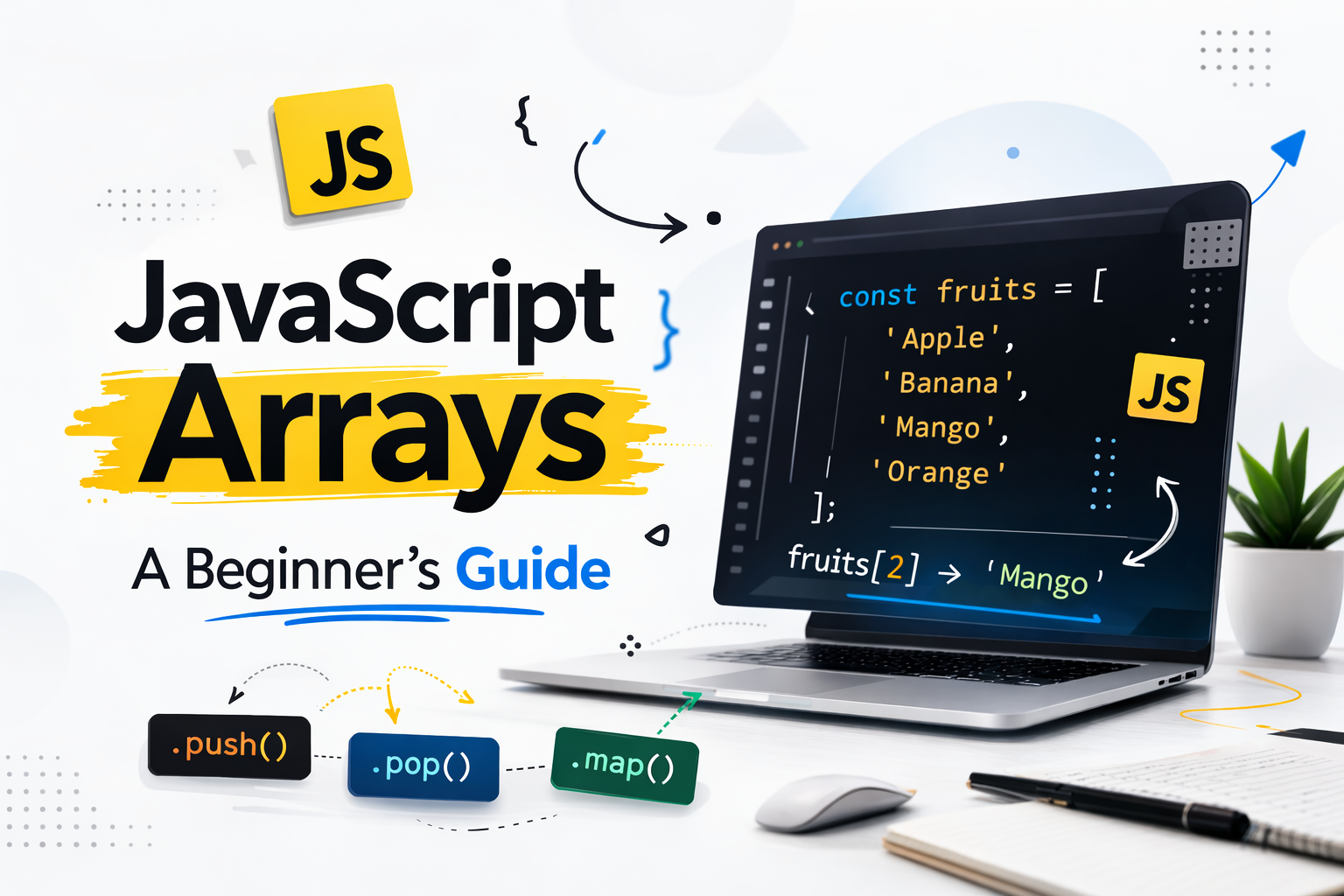
In this article we are going to understand the creation, accessing the element of the array and the iterator on the Arrays.
Arrays
In javascript, Arrays is a collection of heterogeneous element store in a single variable. They follow zero based indexing and dynamic in nature which mean that can grow and shrink dynamically. Arrays can hold elements of any data type—numbers, strings, objects, or even other arrays—making them highly flexible.
let understand the array, with this simple example suppose you have to store the roll no of the class 6 student in programming and you dont know about the array so you code will look like this
const student1 = 1
const student2 = 2
const student3 = 3
// .
// .
// .
// .
// .
// const studentN = n
so, to avoid this provide developer of the javascript give a data structure like Array. what it does in this. Creator of the javascript say 'Man, Are u mad'.
const studentOfClass6 = [1,2,3,4,5 ..... n]

// but create of javascript keep one thing in mind array start from o based  and to n - 1
// suppose you create an array of size 6 technical array created from 0 to 5
Creation of Arrays
Arrays can be created in several ways:
- Array literal (recommended):
const fruits = ["apple", "banana", "cherry"];
const arr = [1,2,3,4,5,6]

console.log(arr)
- Array constructor:
const numbers = new Array();
// const arrClass = new Array(sizeOfArray)

// sizeOfArray is of type any number and it create a empty slot for the array

const arr2 = new Array(10)
console.log(arr2)
- Empty array:
const empty = [];orconst empty = new Array();
const undefineArr = [];
Access the Element of the Array
In javascript, we access the element of the array in two different methods like direct access and method access
Direct Access
In direct Access, we use square bracket notation ([]) . In this method we provide the index of the array and it return the element present on that otherwise it return undefined.
console.log(arr[2])

console.log(arr[99])
Method access
In Method access, javascript itself provide a method which is also use to access the element of the array which return the element if is found otherwise it return undefined
console.log(arr.at(4))
console.log(arr.at(10))
Array is a mutable data structure which we mean we can change the element of the array as for eg
// we know accessing of the array
// so, i have the power to do this thing

arr[0] = 10
arr[arr.length - 1] = 100

console.log(arr, '\n', arr[0], '\n', arr[arr.length - 1])
If you have an observation skill i use something like arr.length . what is this length variable ? where does it come from?
If these question arise in your mind. congratulations you are on write track and you have a curious mind
length is a javascript keyword which work as the property for the array and string which serve the purpose to give you the length of the string and the array.
Iteration over Array
we can iterator array in various way like for loop, while loop, do while, for..in, for..of, and with the high order function like map, filter, reduce etc..
classic
for
for (let i = 0; i<arr.length; i++) {
    console.log(arr[i])
}
whileloop
let idx = 0

while(idx < arr.length){
    console.log(arr[i++])
}
do whileloop
let idx = 0

do {
    console.log(arr[idx++])
} while (idx < arr.length);
for..in
for (const key in arr) {
    console.log(arr[key])
}
for..of
for (const idx of arr) {
    console.log(idx)
}
for the high order function check out this article
Reference
Array : - https://developer.mozilla.org/en-US/docs/Web/JavaScript/Reference/Global_Objects/Array


